RayRecover
Recover deleted files easily.
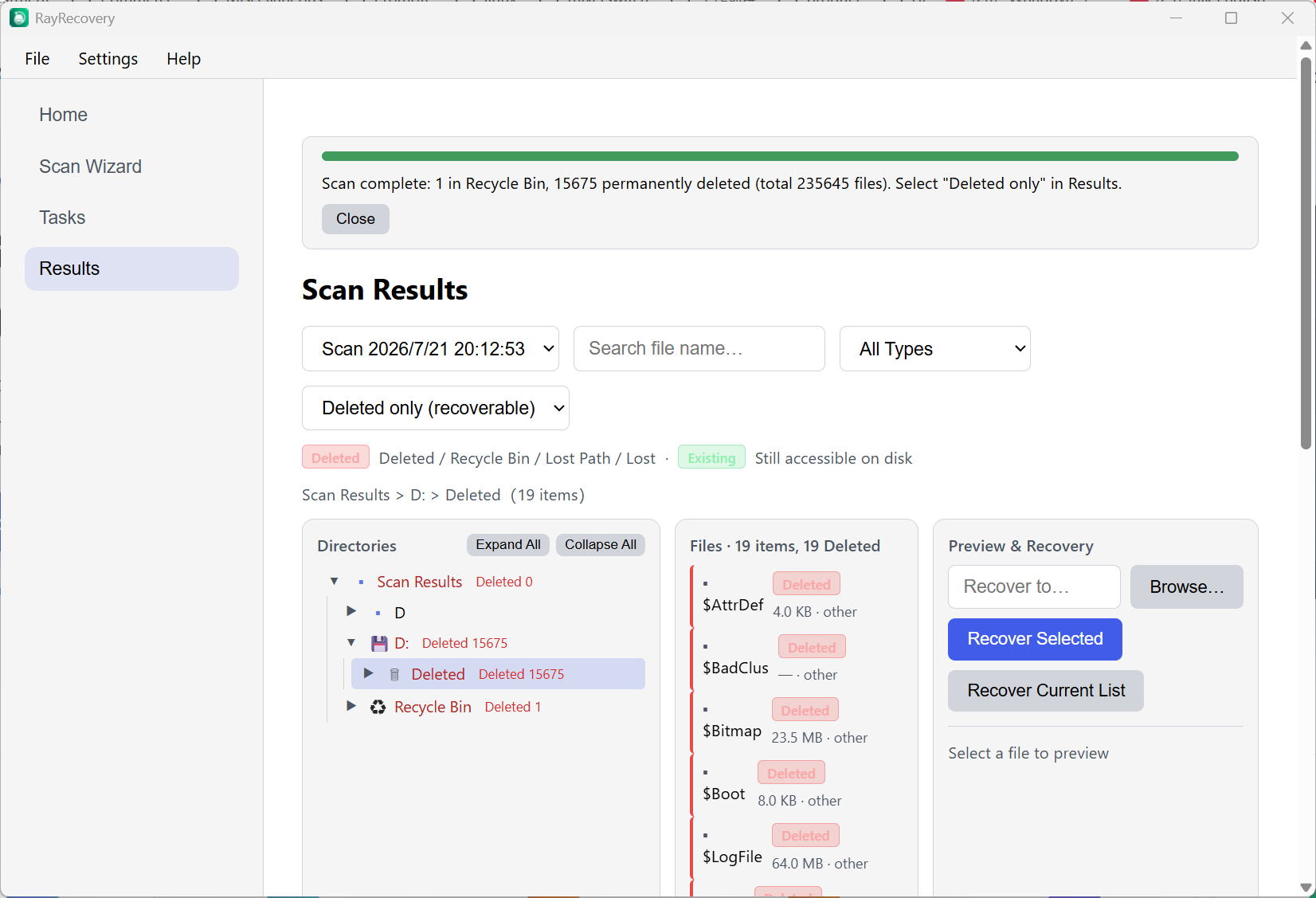
Restore photos, videos, documents, and archives from HDDs, SSDs, USB drives, and SD cards. Scan, filter, and preview the results, then recover selected files to a separate destination.
Recover deleted files easily.
Restore photos, videos, documents, and archives from HDDs, SSDs, USB drives, and SD cards. Scan, filter, and preview the results, then recover selected files to a separate destination.
Recovery results depend on overwrite activity, device condition, file system, and how the data was lost.
Scan, browse, preview, then restore — step by step
Quick Scan for fast finds, Deep Scan for thorough recovery, and Folder Scan when you know where to look.
Scan drives, USB/SD cards, folders, or disk images — including common Windows file systems.
Tree view that mirrors the original folders. Filter by type, search by name, and preview before you restore.
Pause or stop a scan anytime. Save and reload sessions so you do not have to start over.
OS
Windows 10 / 11 (64-bit)
Disk Space
~50 MB (excluding recovery destination)
Install
Administrator required for installation only; everyday use runs as a normal user