Driver Health (under Performance) shows your driver score, devices that need updates, and Windows Update suggestions.
Step 1. Go to Performance → Driver Health. Click Rescan to refresh the device list, or Check Windows Update for suggestions.
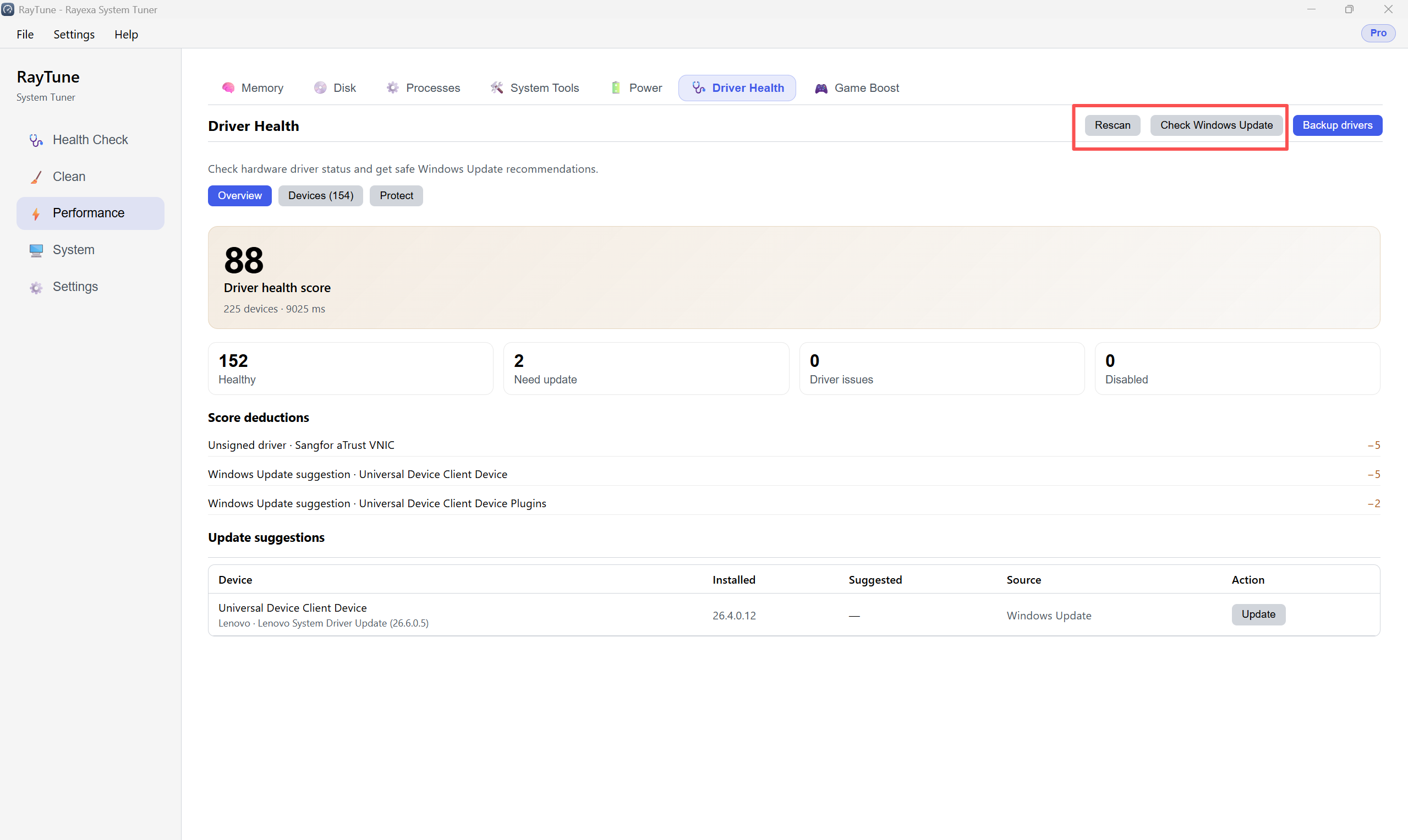
Step 2. Review the score and summary. In Update suggestions, click Update on any device that needs a driver.