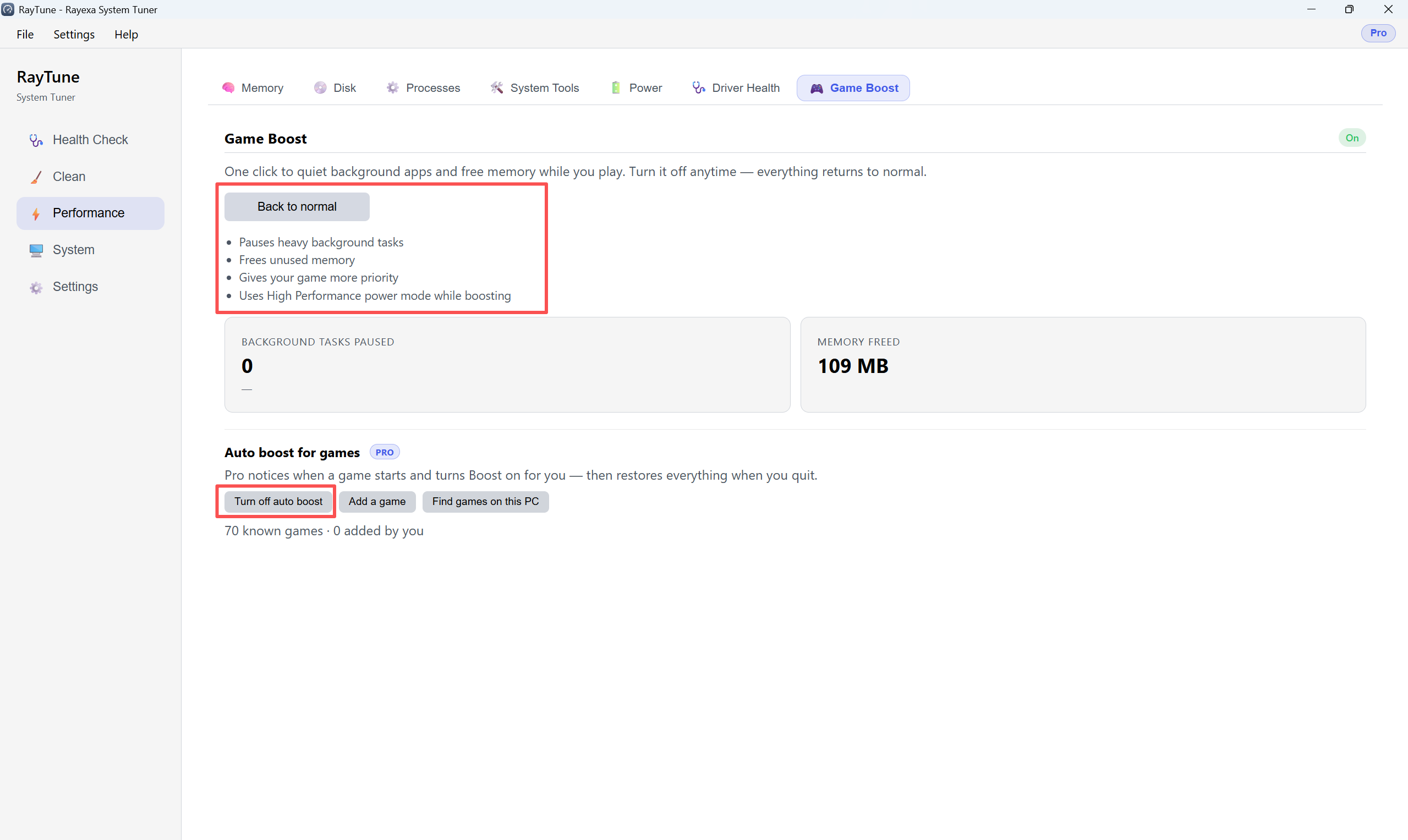
Game Boost pauses background apps and frees memory while you play. Open Performance 鈫?Game Boost.
Step 1. Click Start Game Boost. RayTune pauses heavy background tasks, frees memory, and raises game priority.
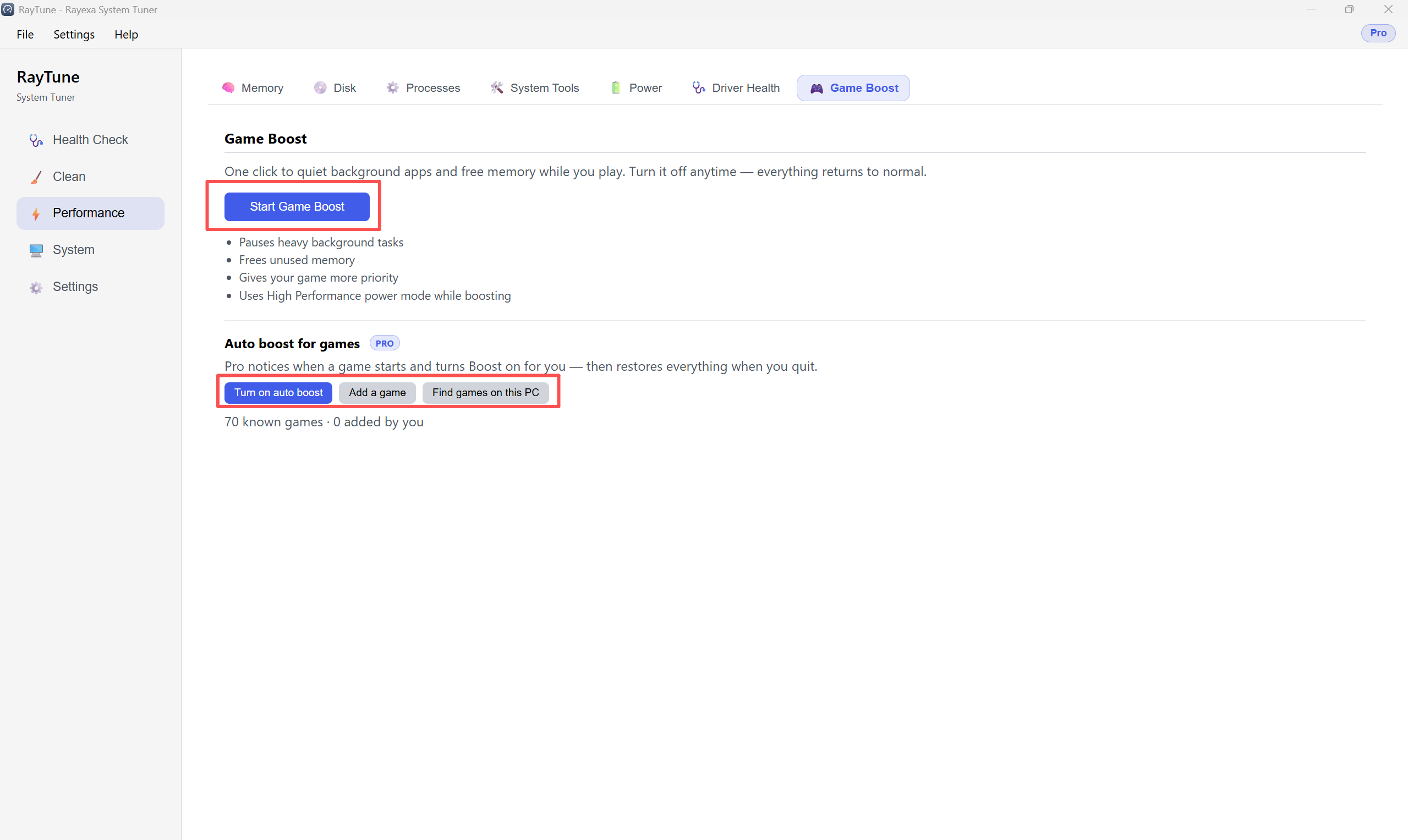
Step 2. When done playing, click Back to normal. Use Turn off auto boost to stop automatic boosting.