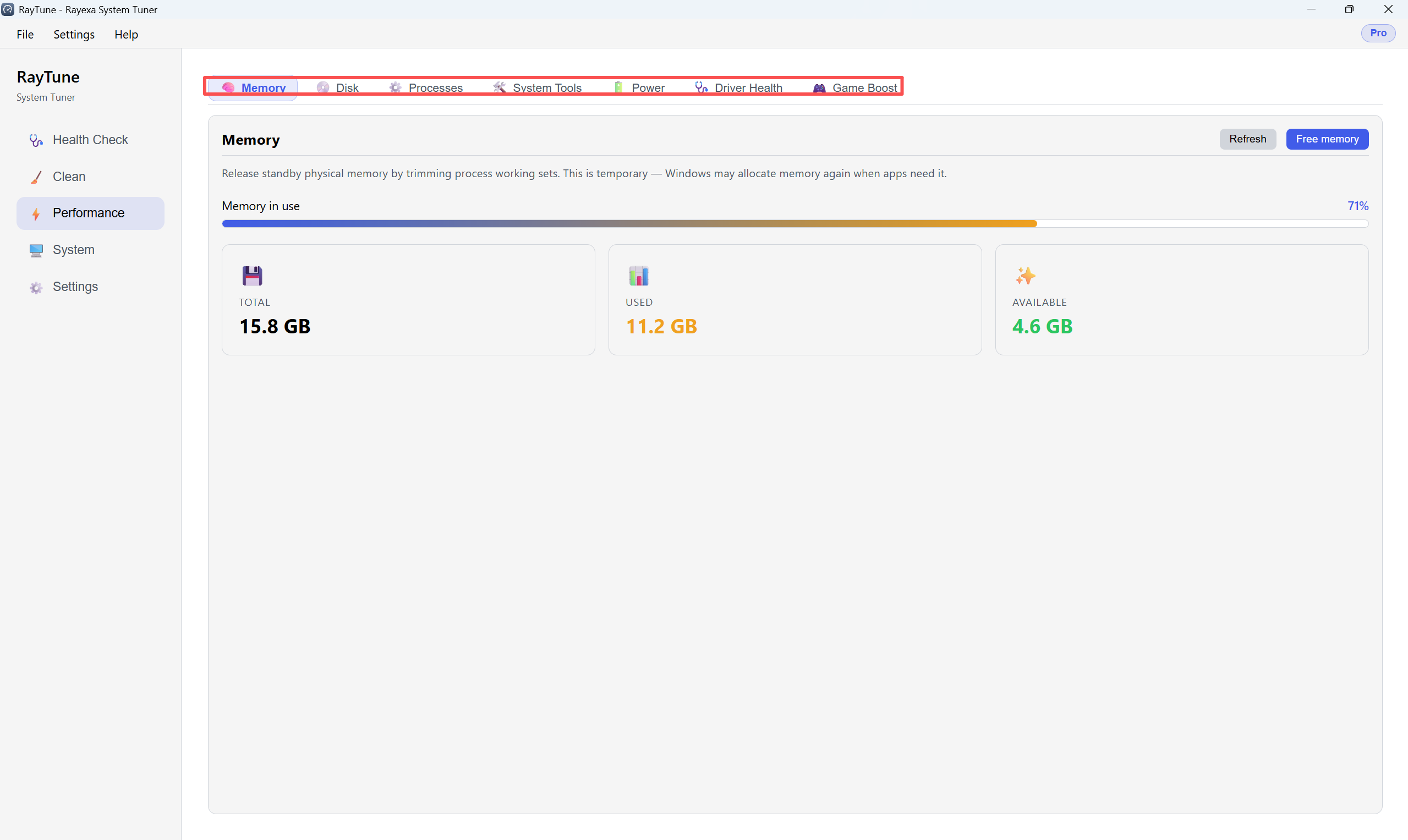
Under Performance you can free RAM, optimize disks, run maintenance tools, and change the Windows power mode.
Step 1. Open the Memory tab, then click Free memory to release standby RAM.
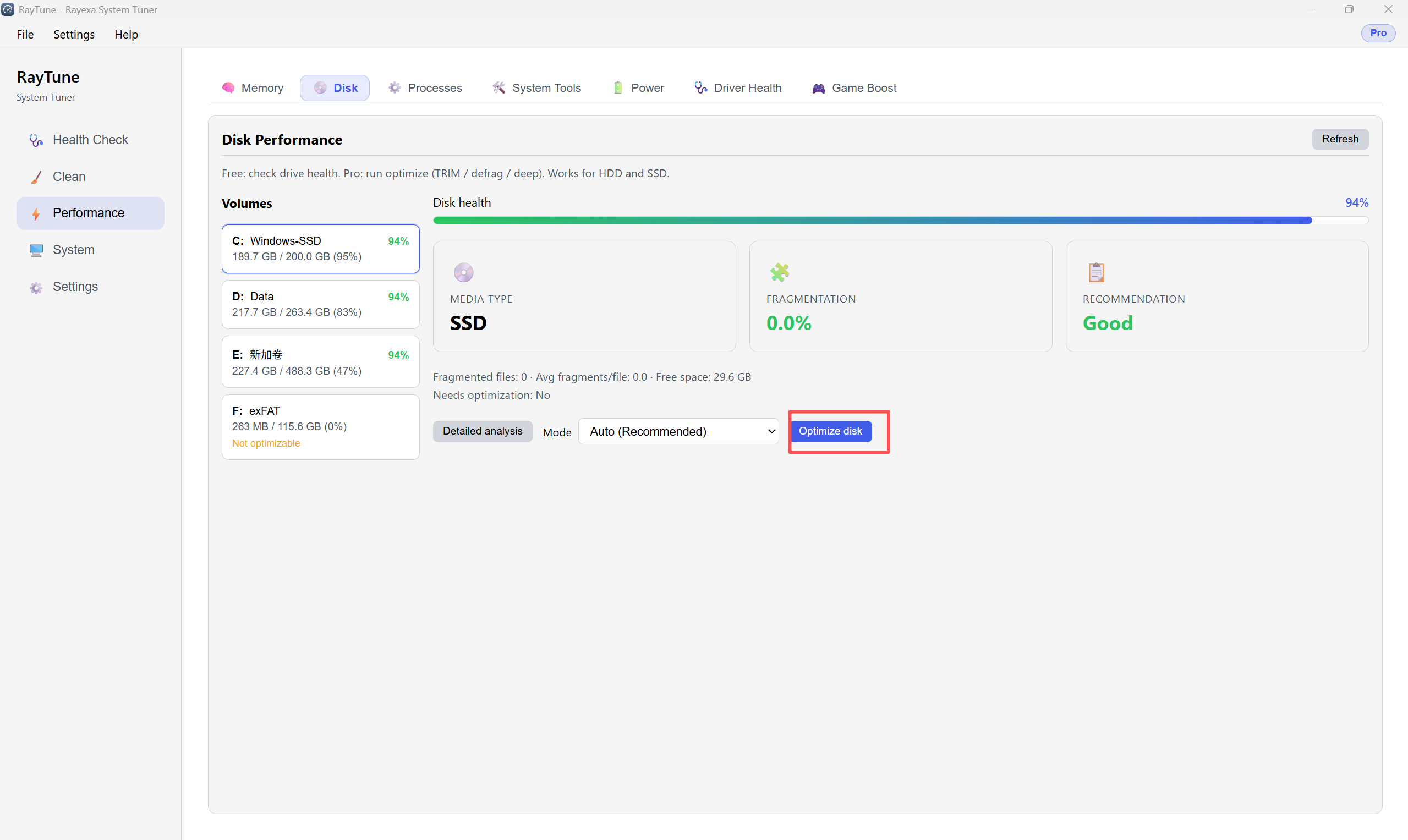
Step 2. Open the Disk tab. Select a volume, choose a mode, then click Optimize disk.
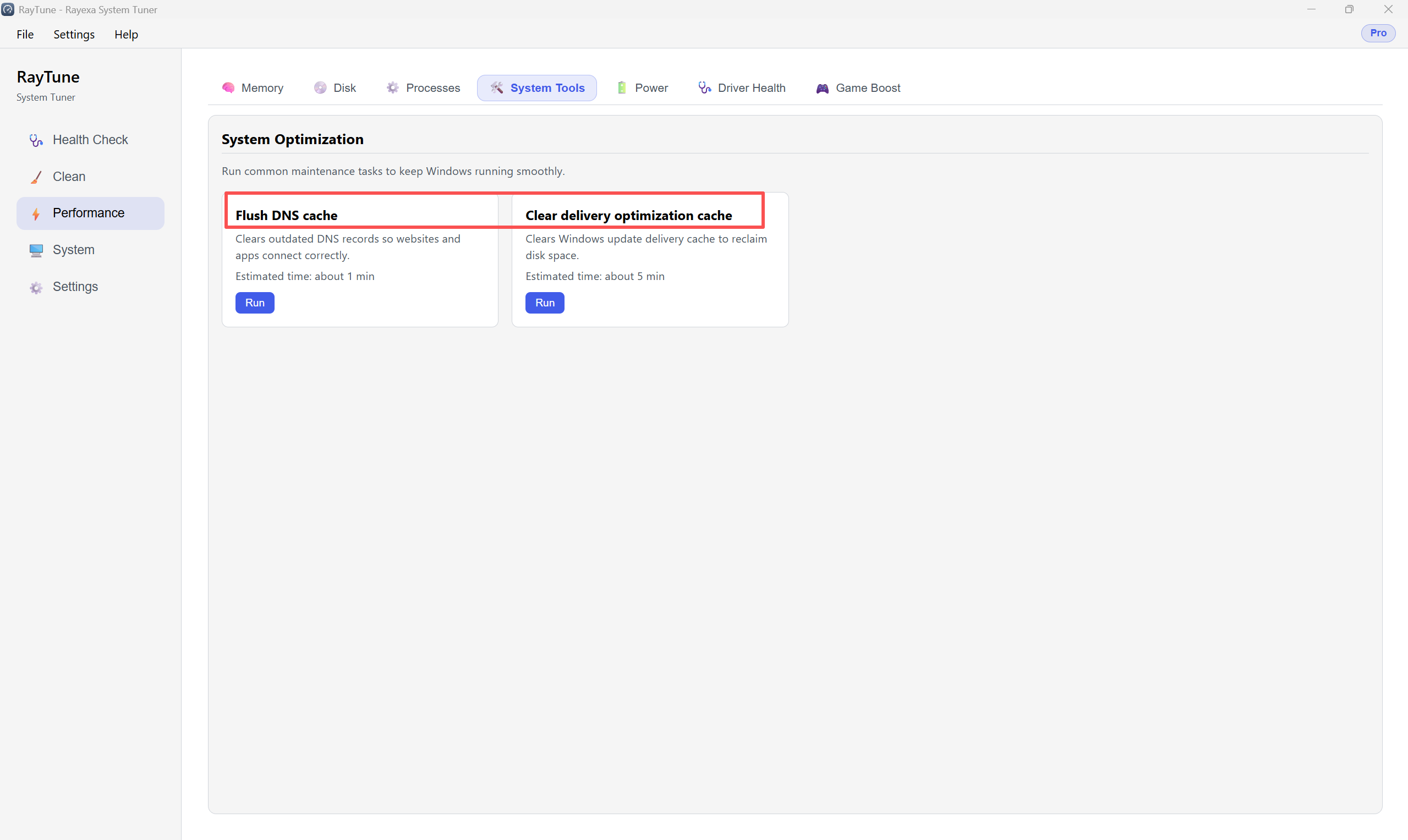
Step 3. Open the System Tools tab. Click Run next to maintenance tasks like Flush DNS cache.
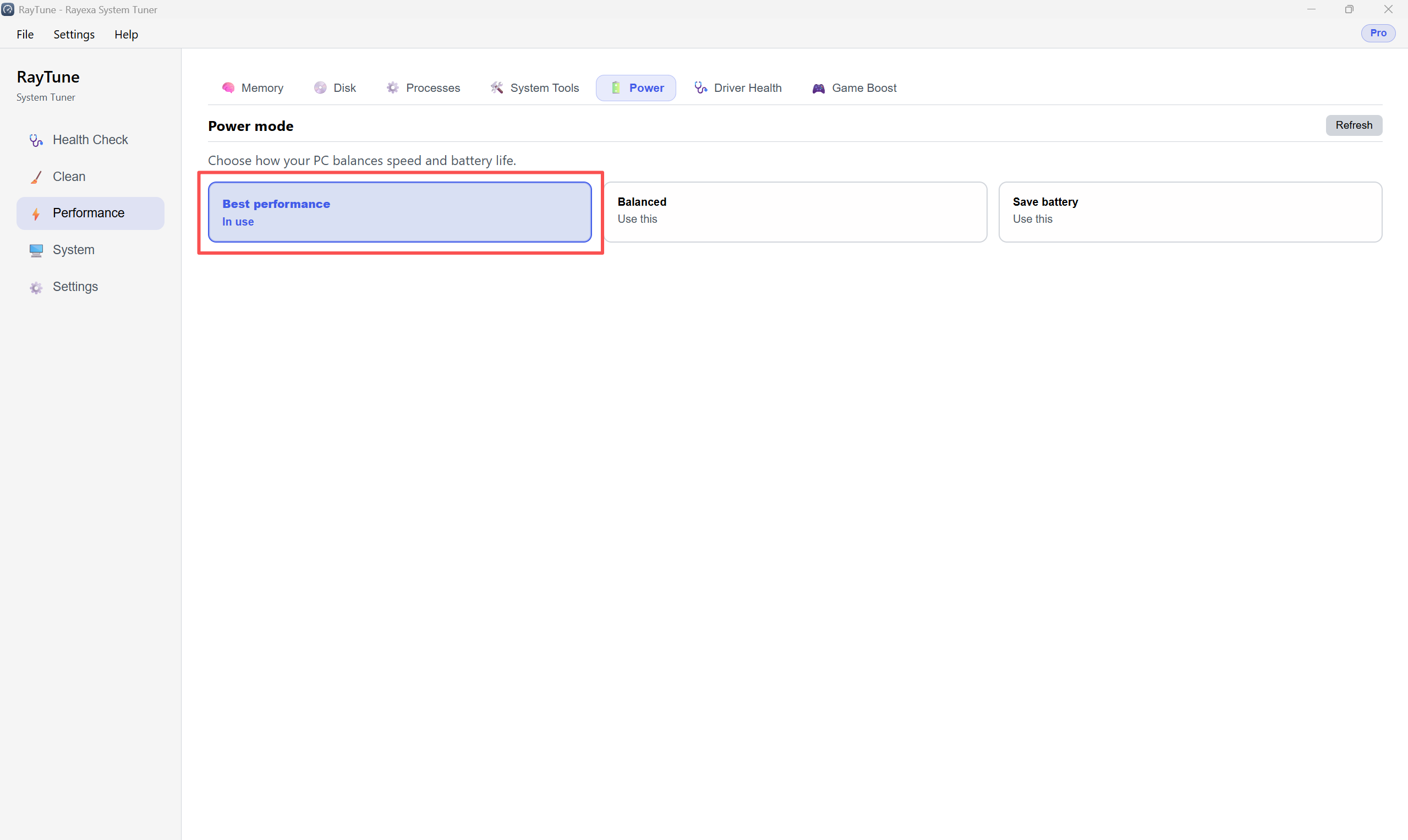
Step 4. Open the Power tab. Choose a mode, then click Use this.