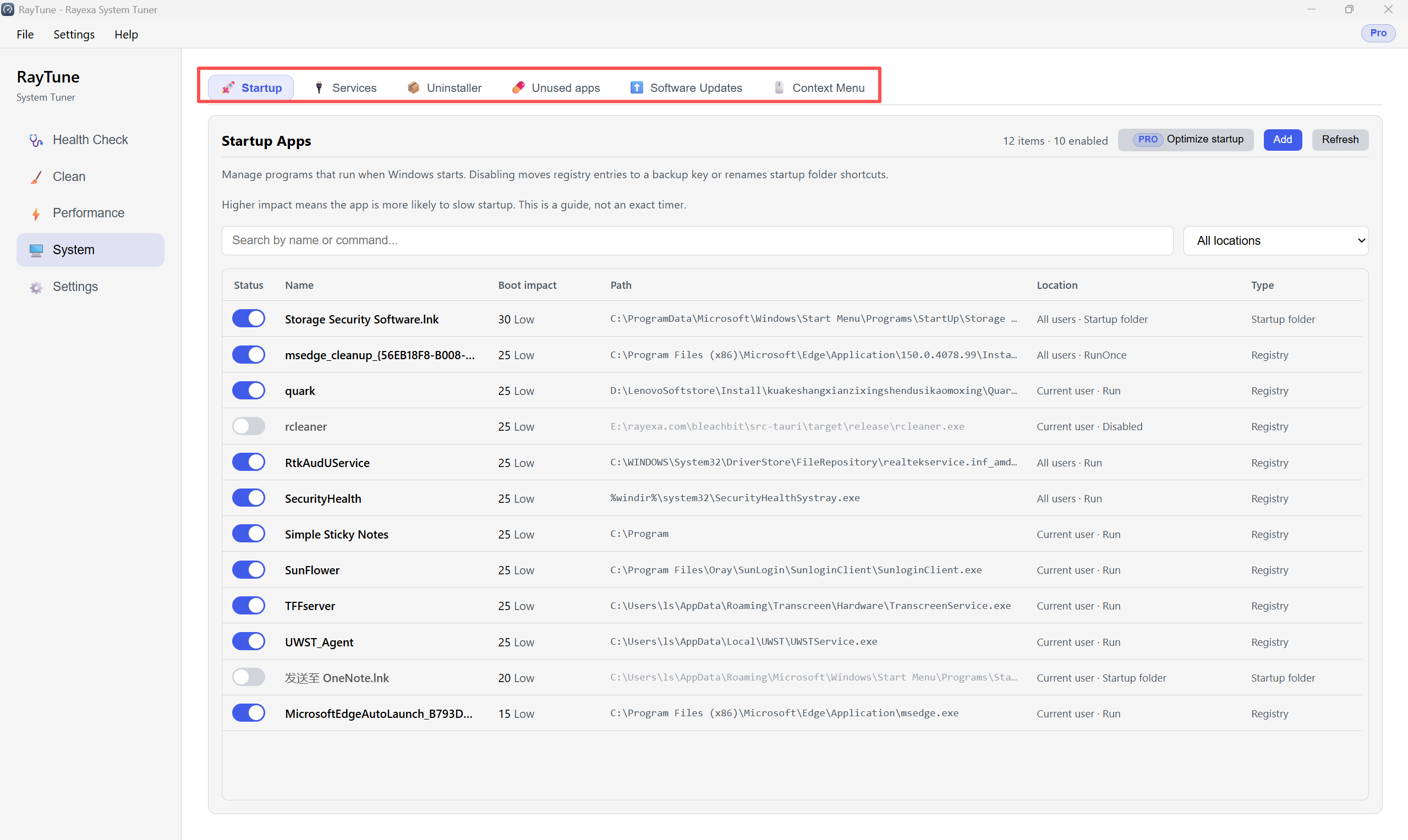
The System section includes Startup, Services, Uninstaller, Unused apps, Software Updates, and Context Menu. This guide covers Startup and Context Menu.
Step 1. Open System 鈫?Startup. Use toggles to enable or disable apps that run at boot.
Step 2. Open System 鈫?Context Menu. Switch between File and Desktop menus, then use toggles to turn items on or off.
