The Image Playback panel (bottom right) turns any folder of pictures into a live slideshow source.
Step 1. Click Browse and choose an image folder. Set the Interval (ms per picture), then click Play.
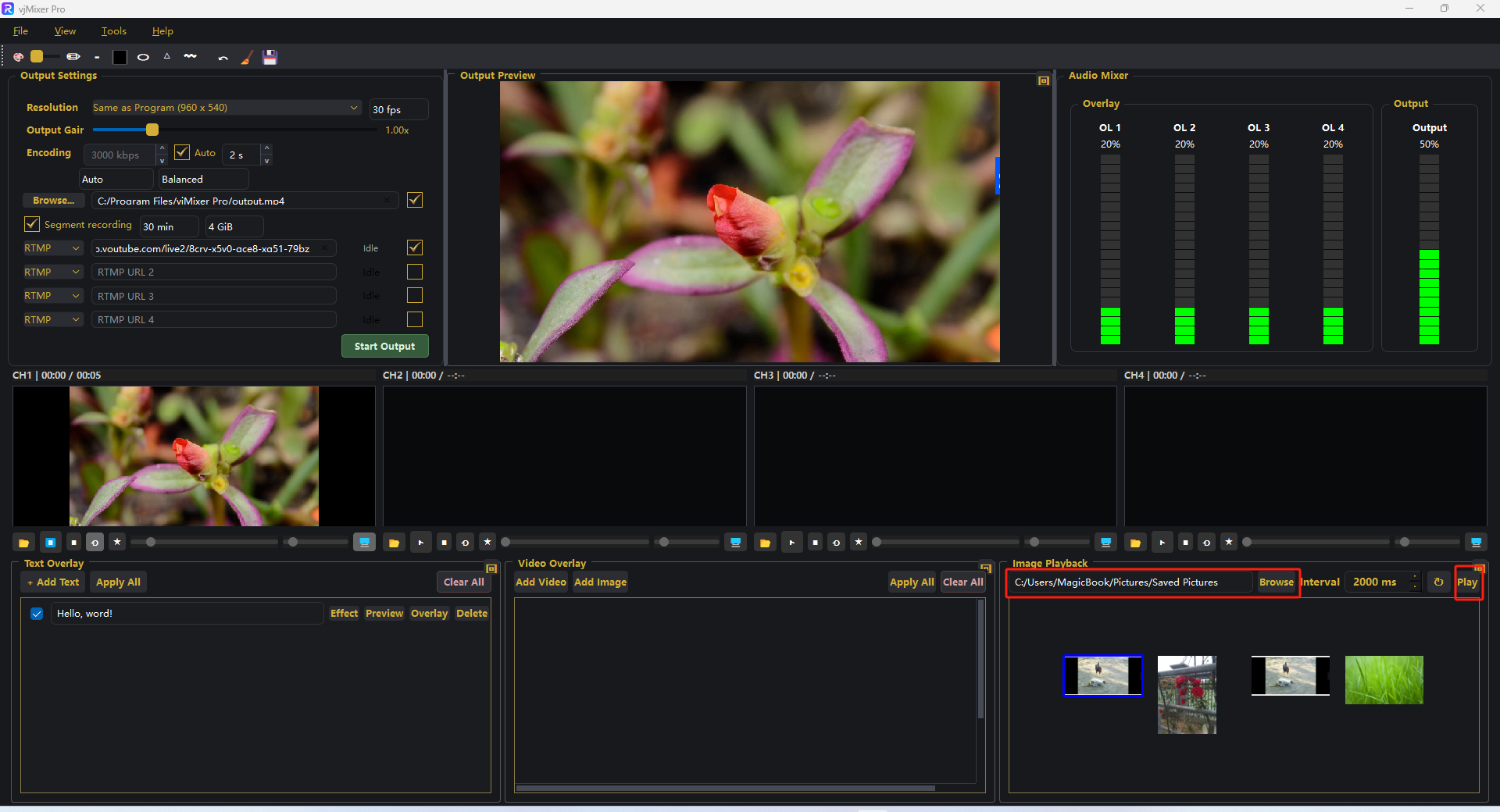
Step 2. The slideshow appears in Output Preview. Change the interval, use loop, or click Stop when done.
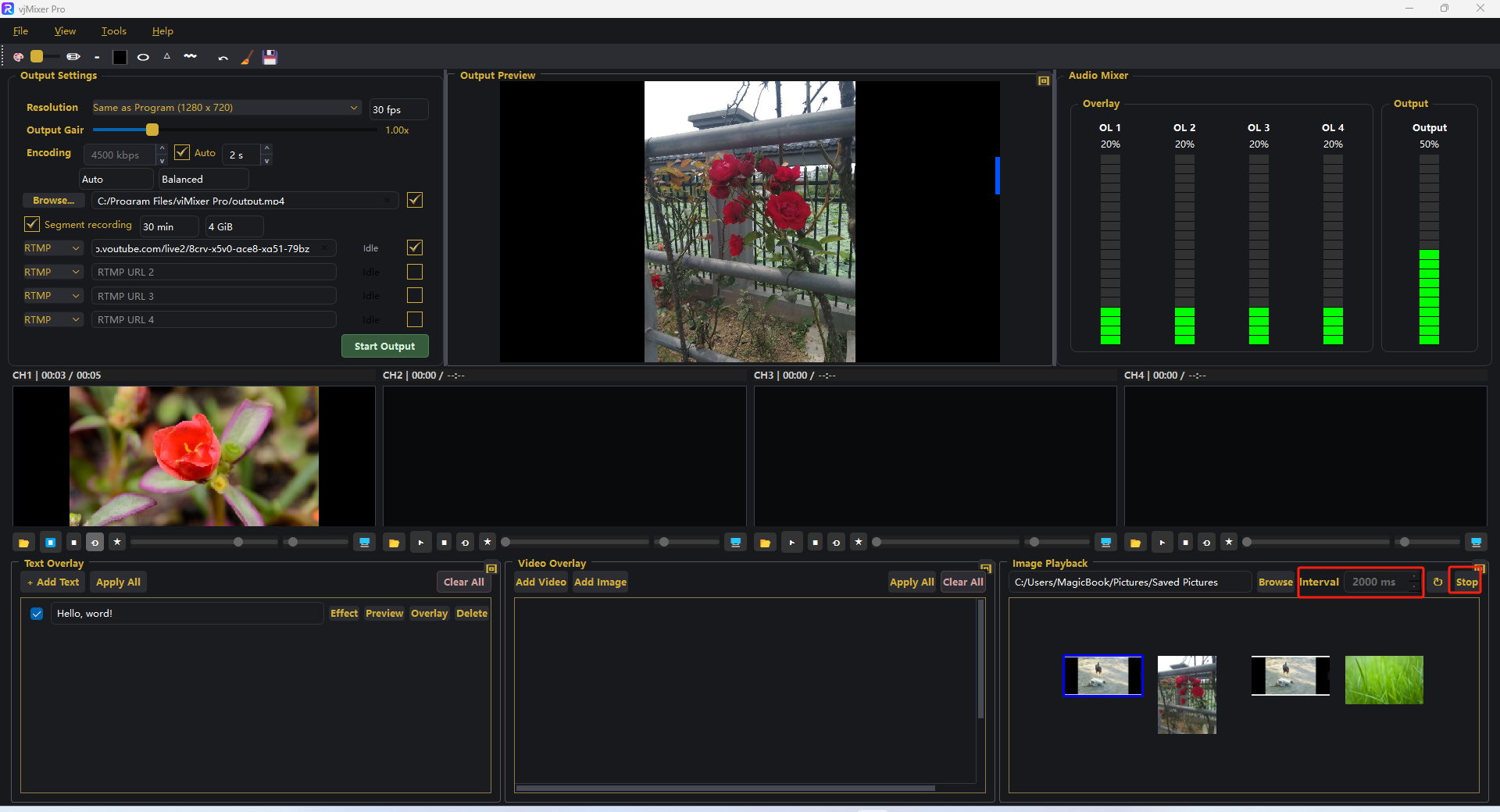
That's it 鈥?the slideshow is recorded and streamed with the rest of your production.