The paint toolbar at the top of the workspace lets you draw directly on the live Output Preview 鈥?circle a player, underline a score, or highlight a product.
Step 1. Pick a tool (pen, shape, or freehand) and a color from the paint toolbar.
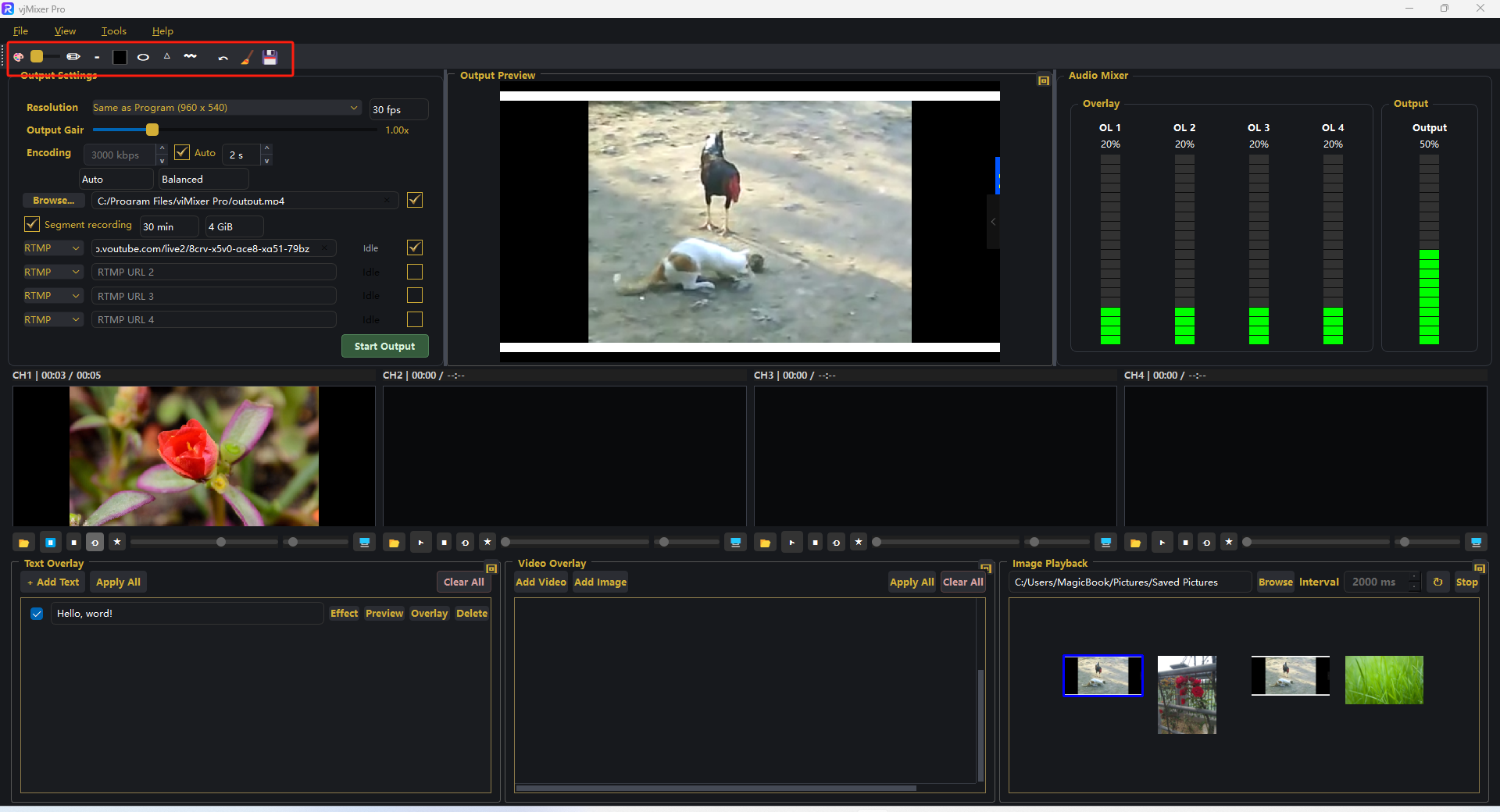
Step 2. Drag on the preview to draw. Use undo, clear, or save as needed.
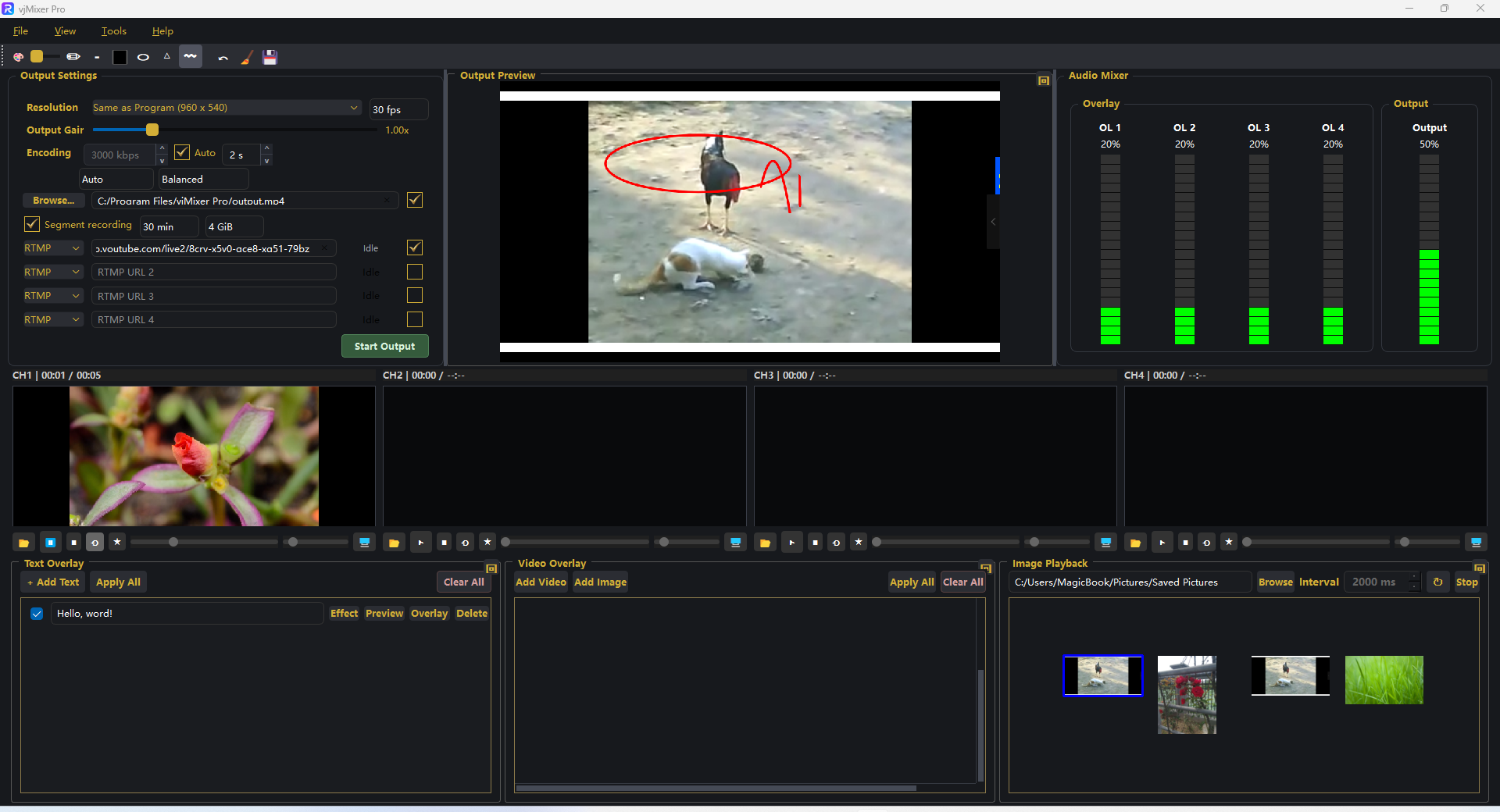
That's it 鈥?annotations appear instantly on the program, recording, and stream.