Program Scheduling plays your show automatically from a rundown: base clips run on channels at set times, and overlay clips appear on top of them.
Step 1. Open Program Scheduling. Set the Base Time, then add base clips and overlay clips with times, channels, and video sources.
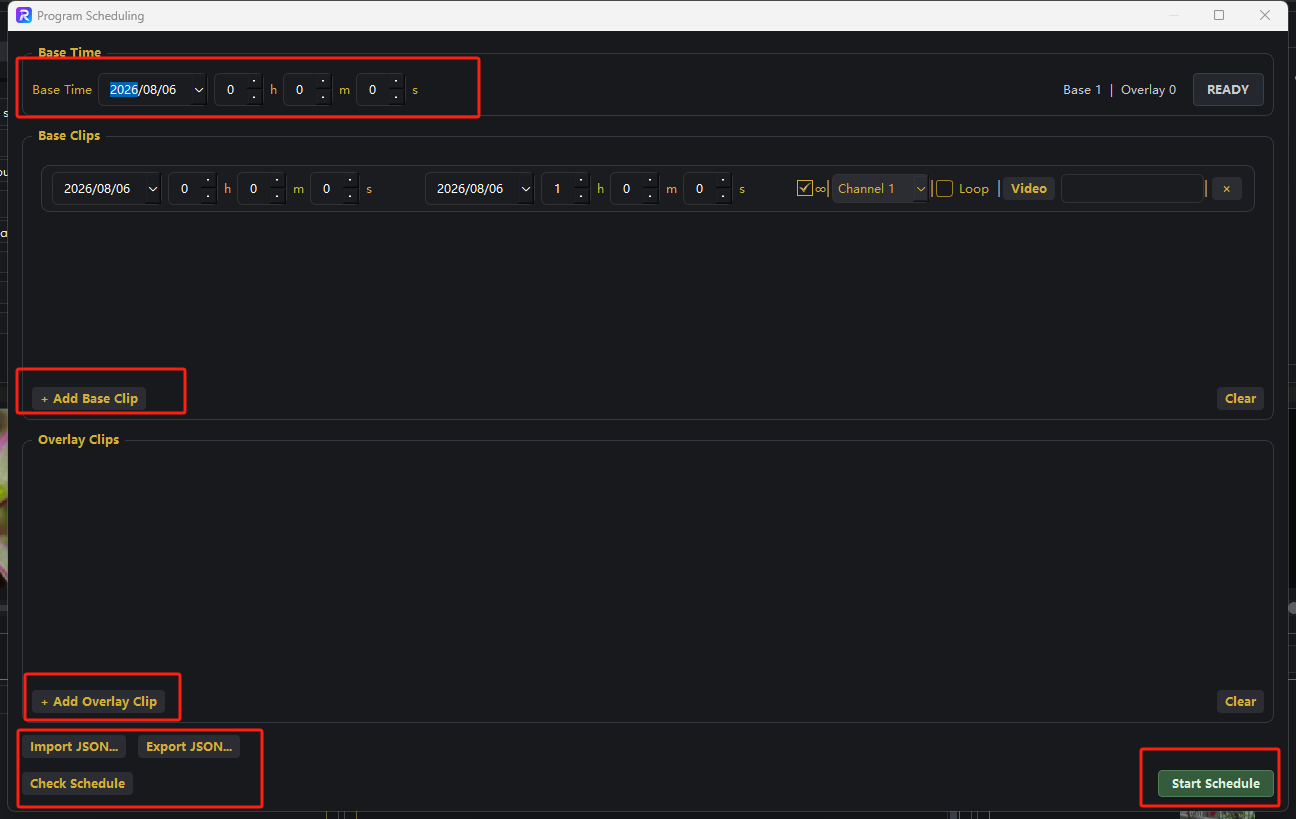
Step 2. Click Check Schedule to validate. When the status shows READY, click Start Schedule to run automatically.
That's it 鈥?combine with recording or streaming in Output Settings for a fully automated production.