Adobe Flash is no longer supported in modern browsers, but many training packs, banners, and archives still live as .swf files.
Ray SWF to Video Converter turns those Flash movies into MP4 (H.264) so you can play them in Movies & TV, browsers, and editors on Windows.
Note: Ray SWF to Video Converter is for Flash .swf files only.
Ray Video Converter does not open SWF — use this product for Flash content.
Steps
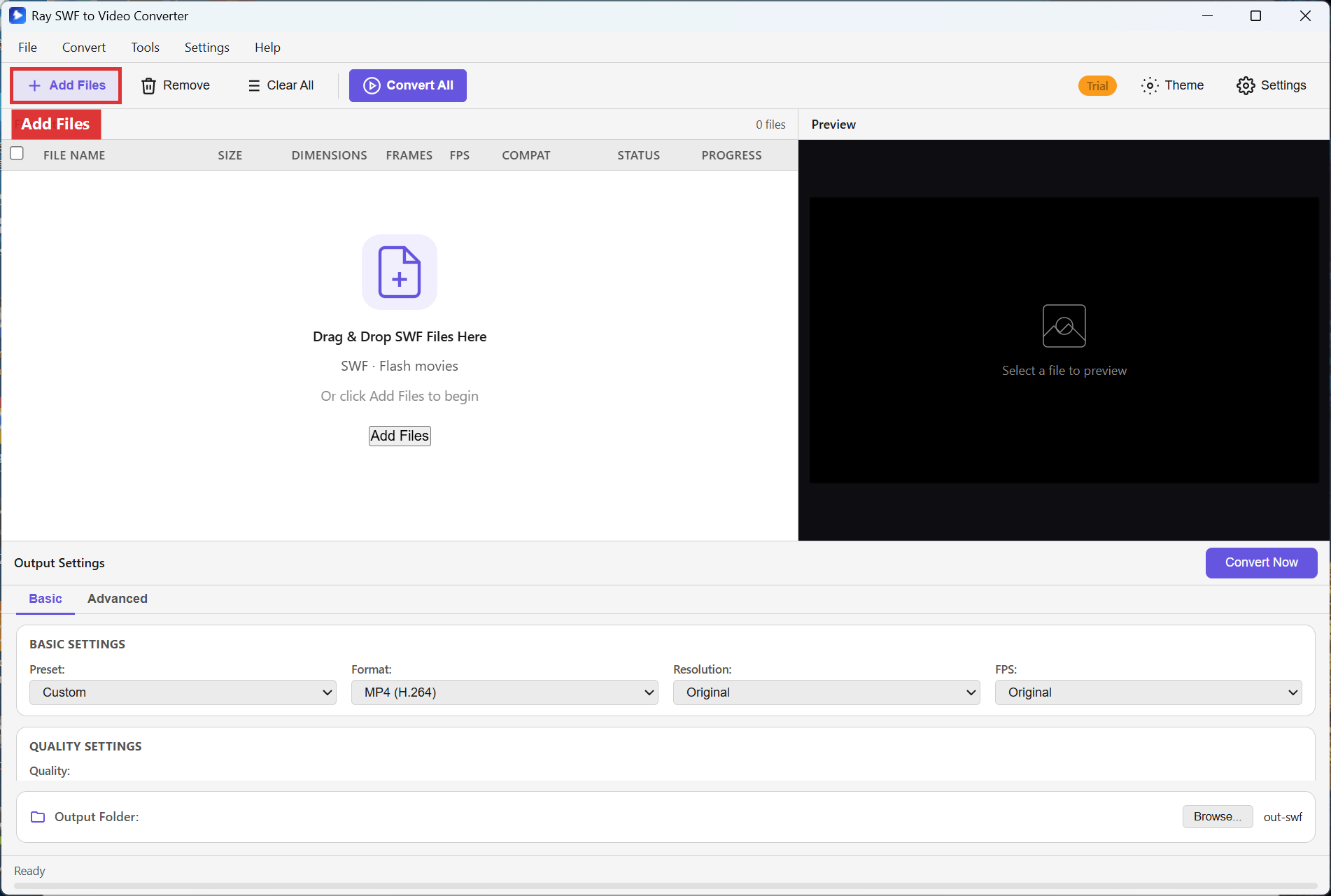
Step 1. Open Ray SWF to Video Converter (rayswf2video.exe).
The empty window shows File List, Preview, and the prompt
Drag & Drop SWF Files Here / SWF · Flash movies.
Click Add Files (or drop SWF files onto the list).
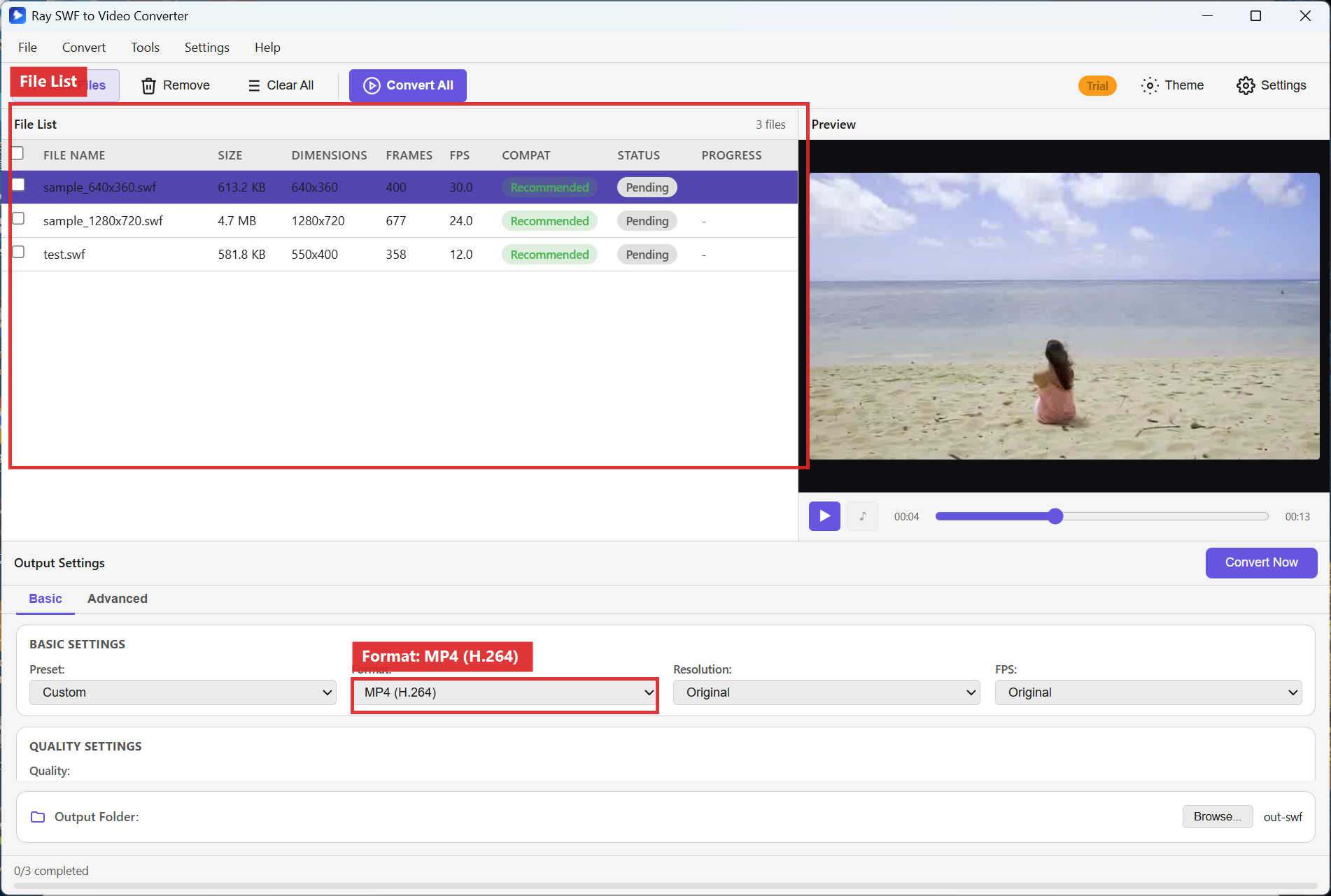
Step 2. Confirm each SWF appears in the File List columns (FILE NAME, SIZE, DIMENSIONS, FRAMES, FPS, COMPAT, STATUS, PROGRESS). In Output Settings on the Basic tab, set Format to MP4 (H.264). Leave Resolution on Original unless you need a fixed frame size.
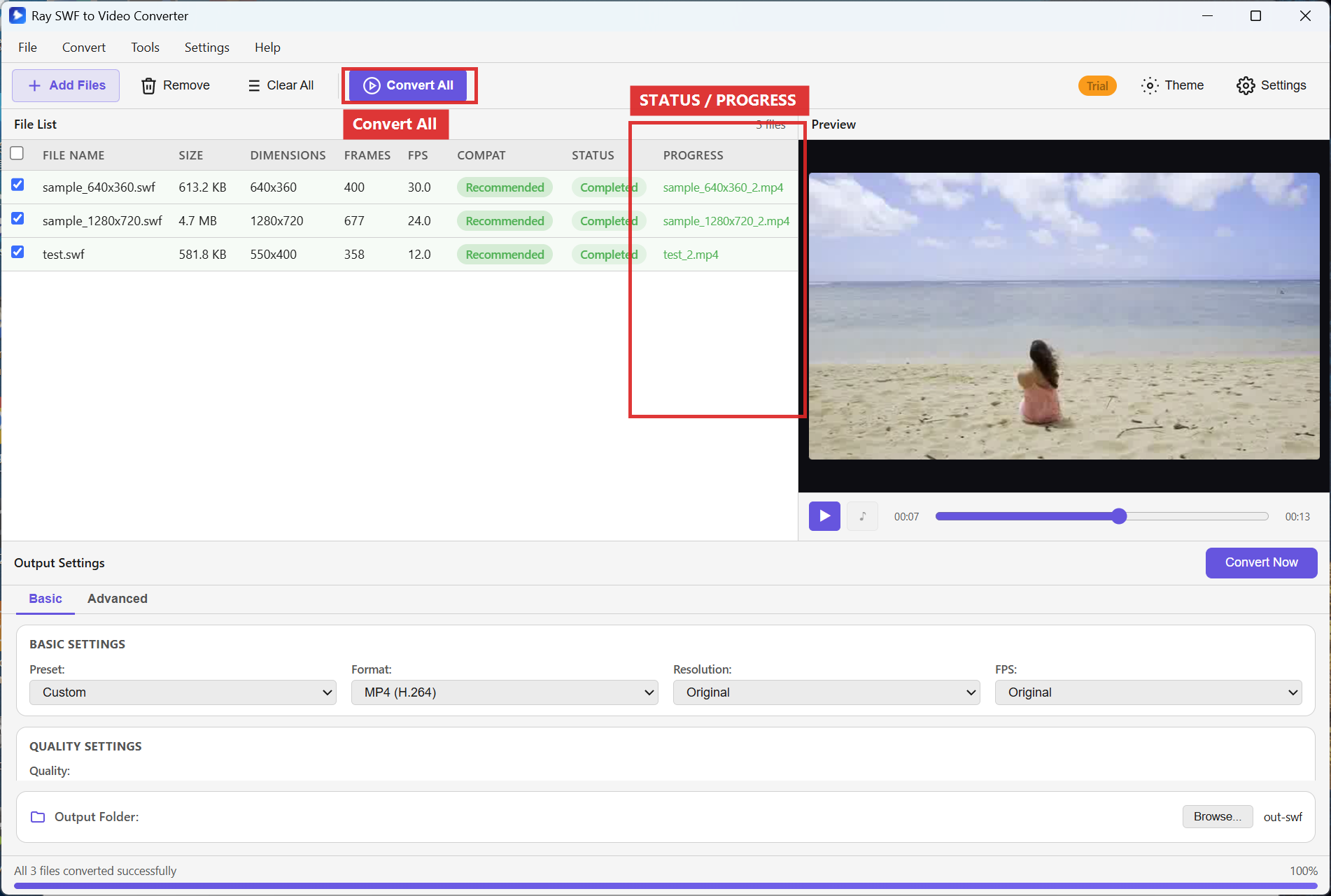
Step 3. Choose an Output Folder, then click Convert All (or Convert Now for a single row). Watch STATUS and PROGRESS while conversion runs.
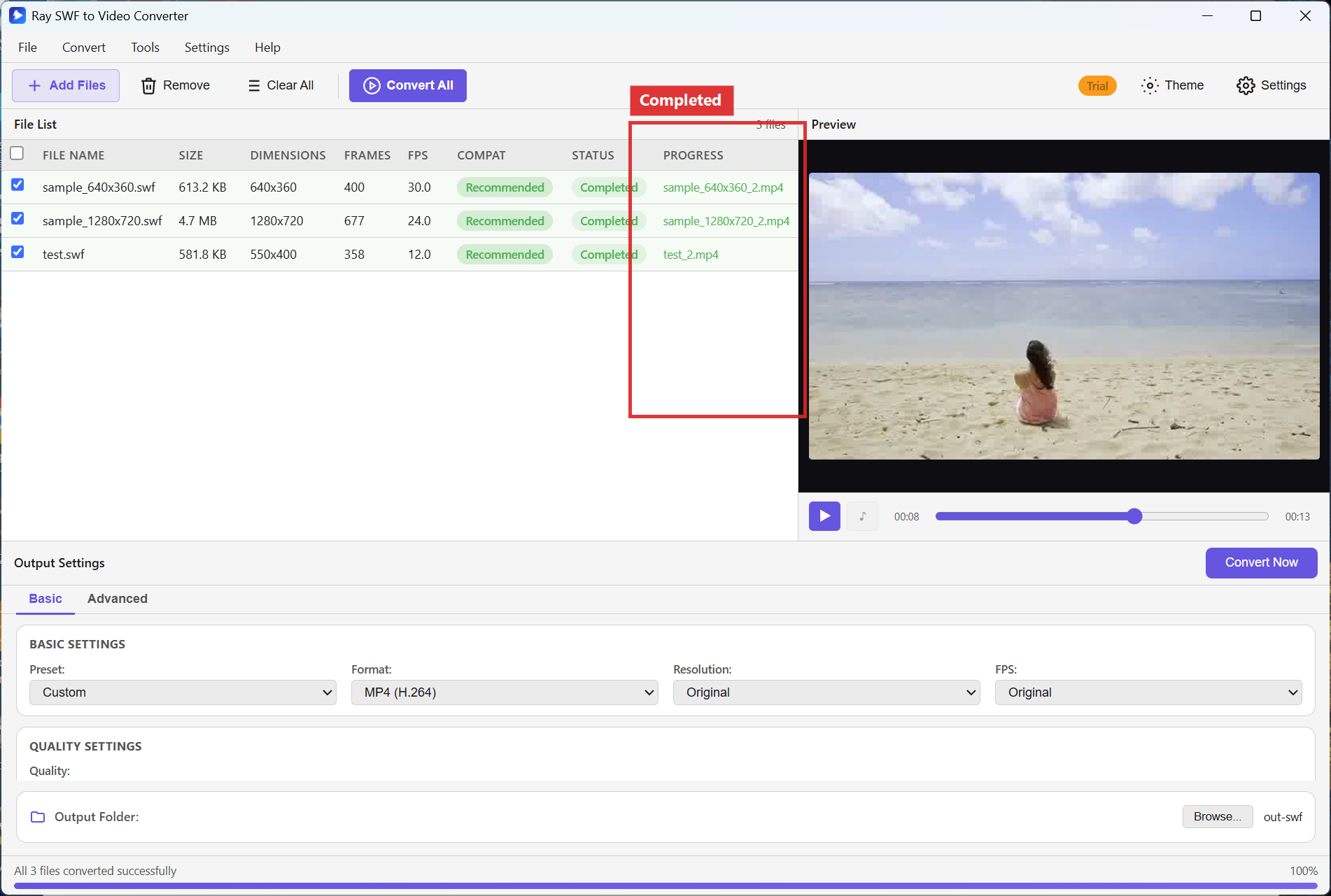
Step 4. When each row shows Completed, open the output folder to find your MP4 files.
Recommended settings
- Format: MP4 (H.264) for phones, browsers, and most editors.
- Resolution: Original to keep the SWF frame size; pick 1920x1080 or 1280x720 when you need a standard HD delivery size.
- FPS: Original for faithful animation timing; choose 30 or 24 only when a player requires a fixed rate.
- Quality: Keep the Quality slider near the middle for everyday sharing; raise it for archival masters.
FAQ
Does Ray Video Converter open SWF?
No. Use Ray SWF to Video Converter for Flash. Video Converter is for common video formats only — see
Video Converter.
Which format should I pick for maximum compatibility?
MP4 (H.264) plays in Movies & TV, Edge/Chrome, VLC, and most phones.
Can I convert several SWF files at once?
Yes. Add every file to the File List, set Format once, then click Convert All. See
convert multiple SWF files to MP4.
What if STATUS shows an error?
Check COMPAT and STATUS, remove the row, re-add with Add Files, and free disk space. See
fix SWF files that won’t open.
Try Ray SWF to Video Converter
Download the free Windows trial, then follow the steps above on your own Flash archives.
Free download Product page All tutorials SWF tutorial hub