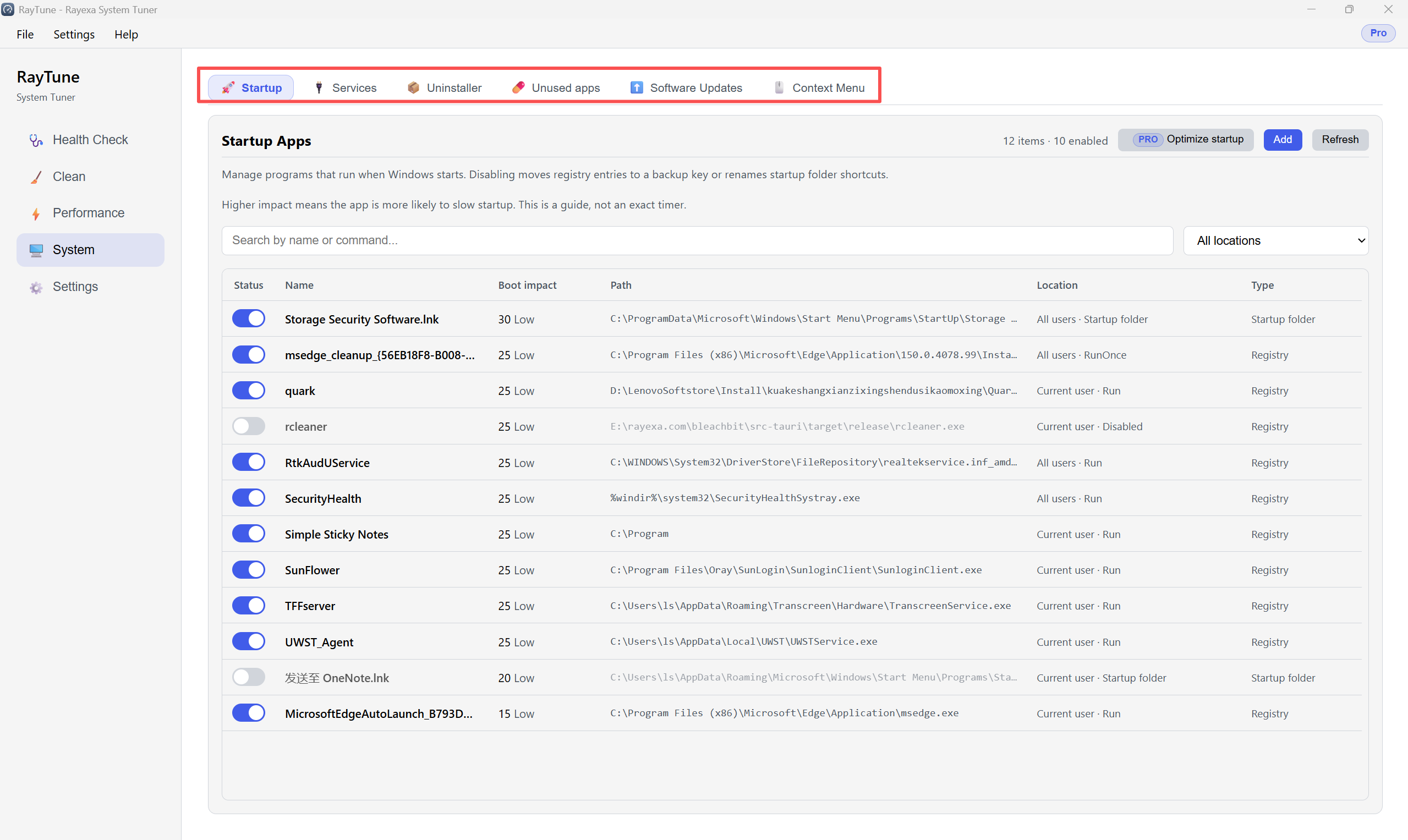
The System section includes Startup, Services, Uninstaller, Unused apps, Software Updates, and Context Menu. This guide covers Startup and Context Menu.
Step1 — Startup apps: Open System → Startup. Review apps that run when Windows starts. Use each toggle to enable or disable an item (higher boot impact means it is more likely to slow startup). Use Refresh to reload the list, or Optimize startup (Pro) for a guided cleanup.
Step2 — Context Menu: Open System → Context Menu. Switch between File menus and Desktop menus, search for items, then use the toggles to turn right-click entries on or off. Restart File Explorer if a change does not appear right away.
