Use Physical Disk to scan deleted items across all partitions on a disk (not just one drive letter). Deep Scan mode works with this source type. Follow the steps below.
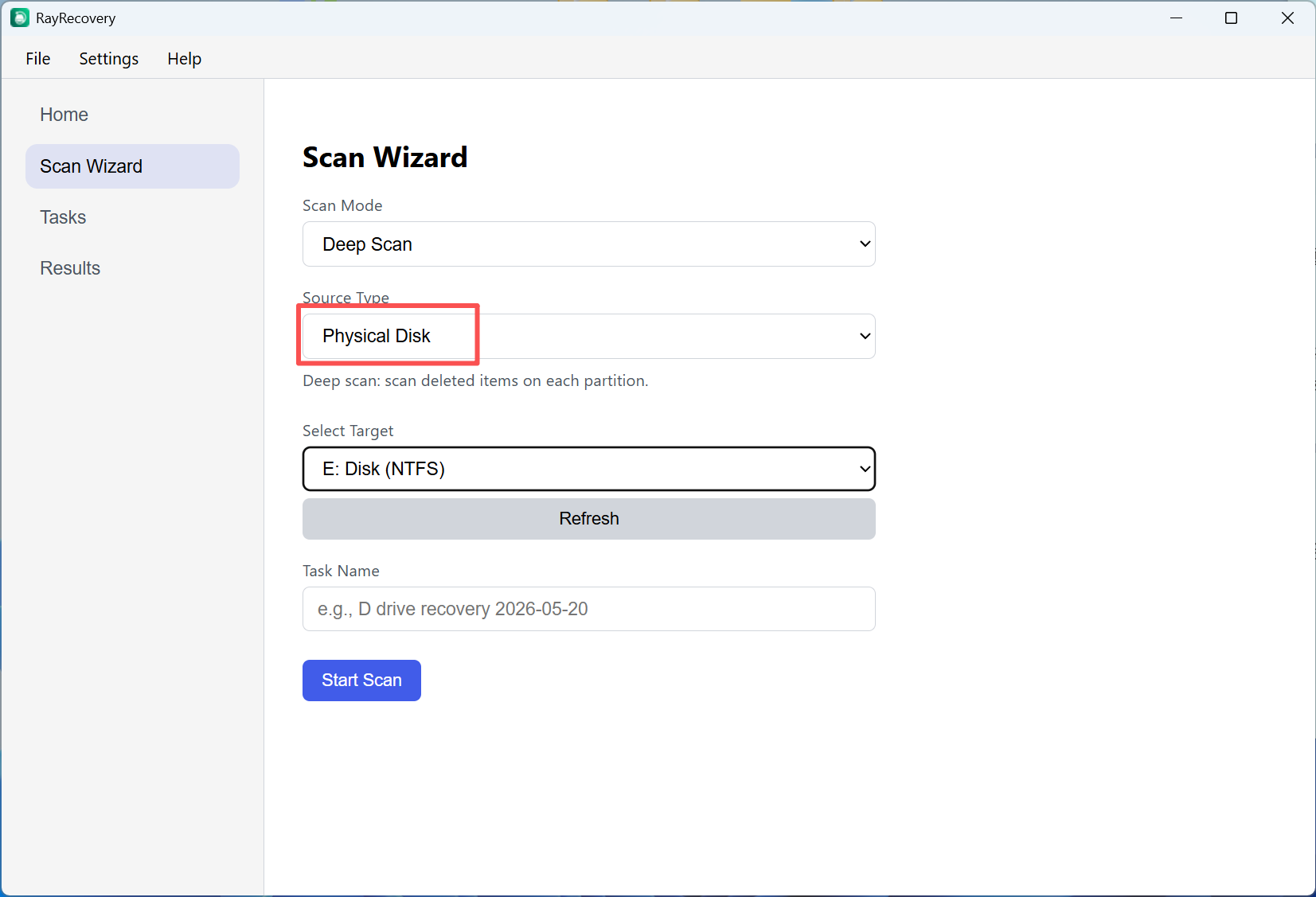
Step 1. Open Scan Wizard. Set Scan Mode to Deep Scan and Source Type to Physical Disk. Choose the disk, then click Start Scan.
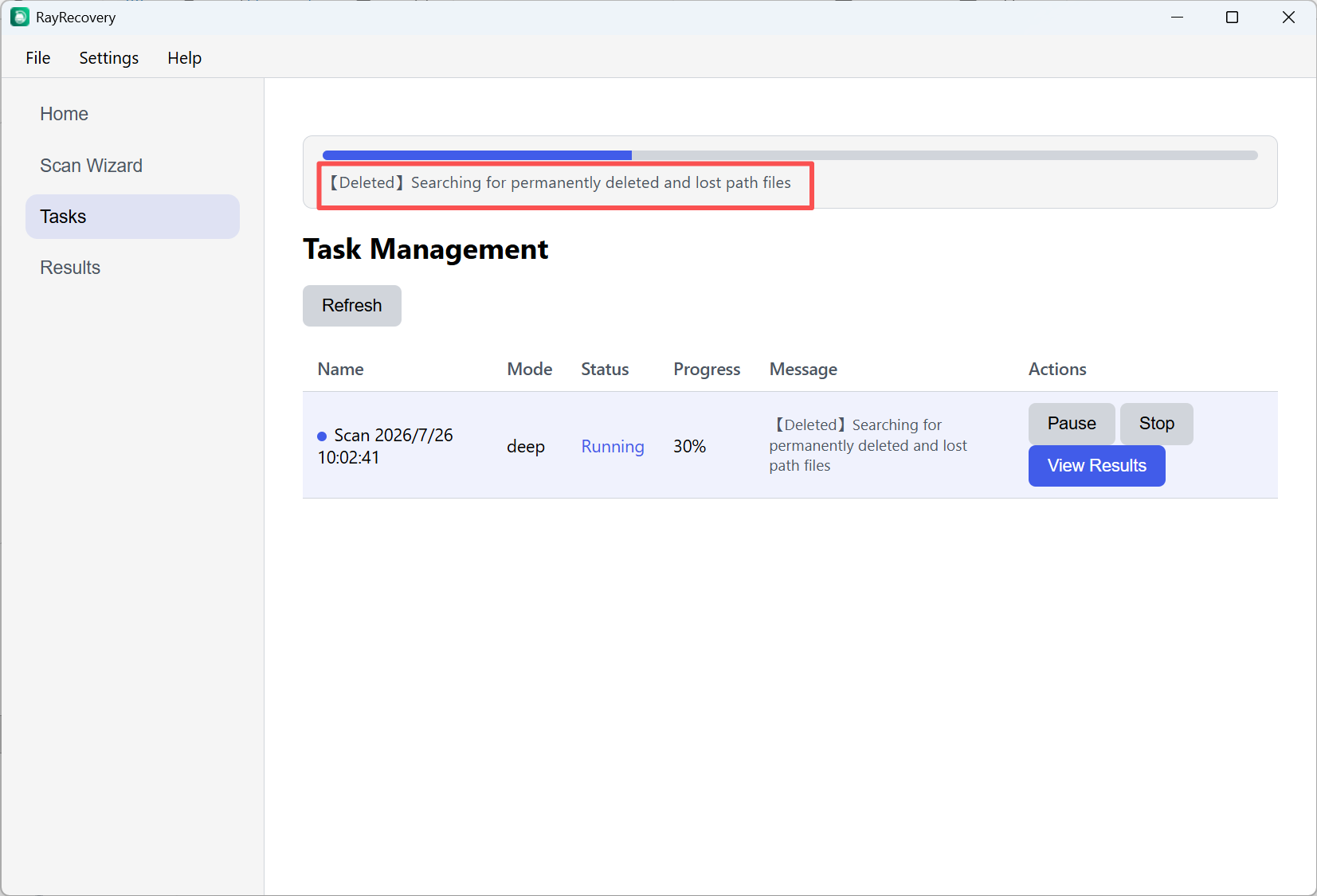
Step 2. Open Tasks to watch progress. When results are ready, click View Results.
Step 3. In Results, filter to Deleted only (recoverable). Browse the tree, select files, then click Recover Selected.
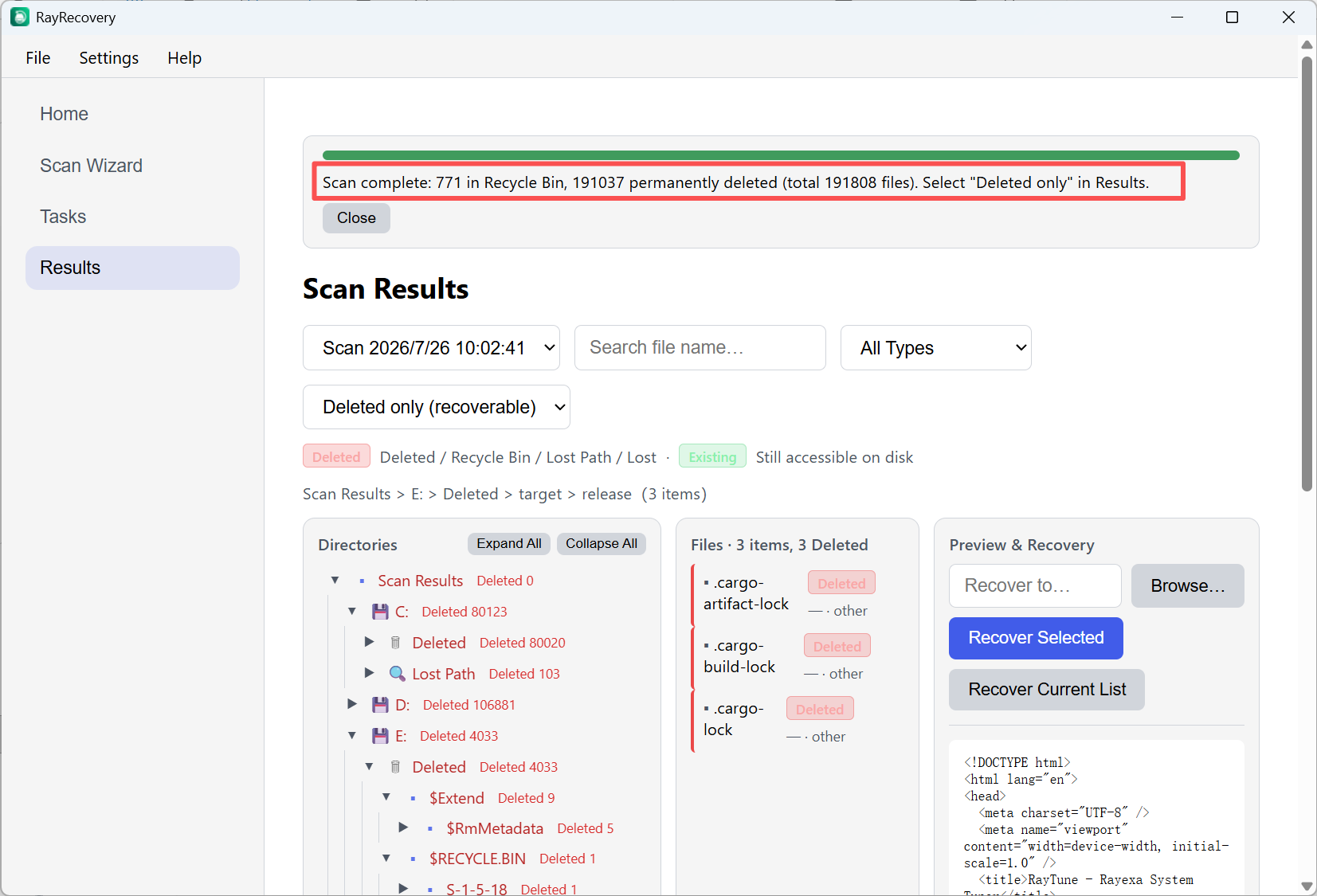
Tip: Do not recover files back onto the same disk you are scanning.